

Sec.1-Ch.2-Subsec.5:Mastering R Package Management
From Fuzzy Installation to Auto Updates — Plus Working Directory & Workspace Setup

This article helps you effectively manage your R development environment. It covers:
How to install and update R packages
How to set and manage the working directory and workspace
How to check your current R version
How to automatically update installed packages
The goal is simple: keep your R environment clean, up-to-date, stable, and efficient, so your data analysis workflow doesn’t randomly blow up mid-project.
I. R Packages
R packages are structured collections of R functions, datasets, and sometimes pre-compiled code.
When you install R, it already comes with a set of base packages, which provide commonly used default functions and datasets.
On top of that, you can install additional packages whenever you need extra functionality.
⚠️ Important: after installing a package, you still need to load it into memory before you can actually use it.
CRAN: Where R Packages Live
R packages are officially hosted on CRAN (Comprehensive R Archive Network), which is basically R’s home base:
https://cran.r-project.org
The following page lists all available packages on CRAN, sorted by date.
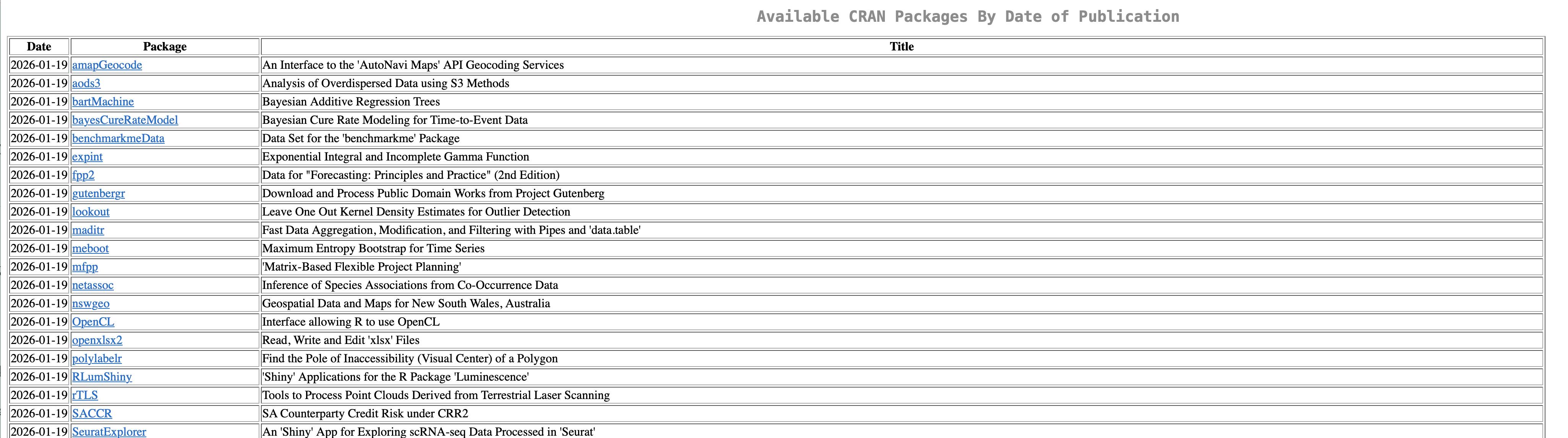
As of now, there are 20,000+ R packages available (yeah, it’s wild):
https://cran.r-project.org/web/packages/available_packages_by_date.html
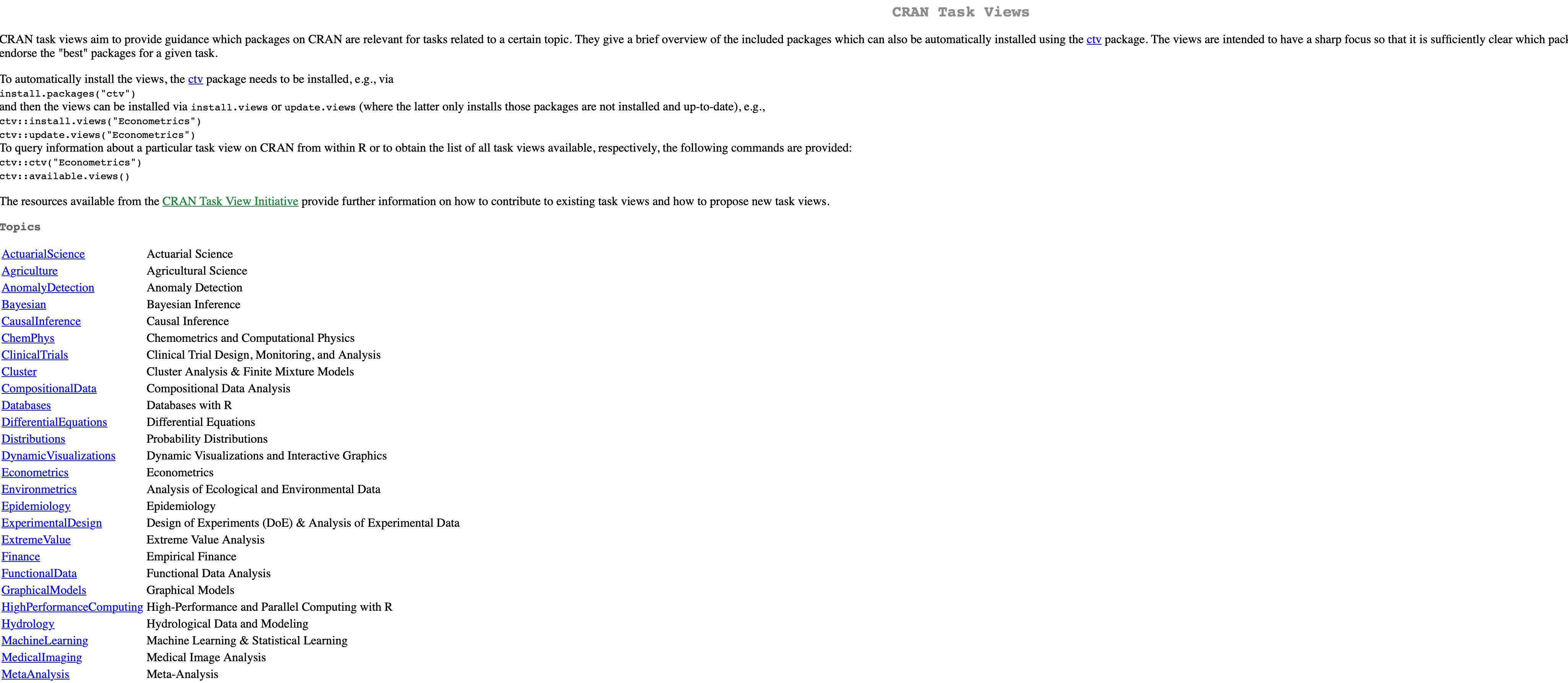
Another useful page:
https://cran.rstudio.com/web/views/
